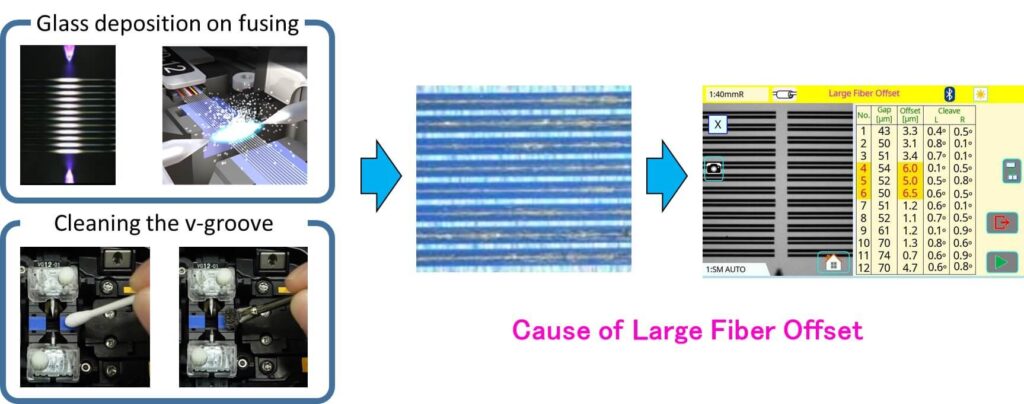
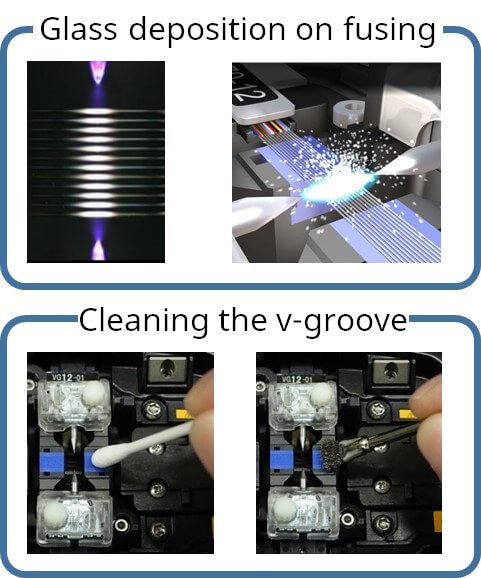
The glass deposition by the discharge during fusion splicing adheres to the V-groove and electrode rod. Although the amount of adhered glass deposited per discharge is very small, the adhered glass may cause misalignment of the fiber axis and affect the splicing loss after long-term use. This adhered glass is difficult to remove by cleaning with a cotton swab or brush.
1. For maintenance
The glass deposition by the discharge during fusion splicing adheres to the V-groove and electrode rod. Although the amount of adhered glass deposited per discharge is very small, the adhered glass may cause misalignment of the fiber axis and affect the splicing loss after long-term use. This adhered glass is difficult to remove by cleaning with a cotton swab or brush.
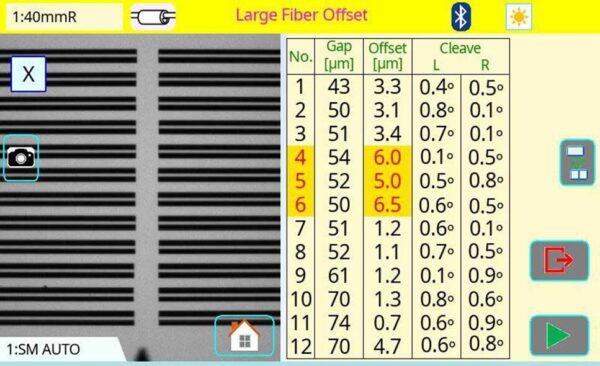
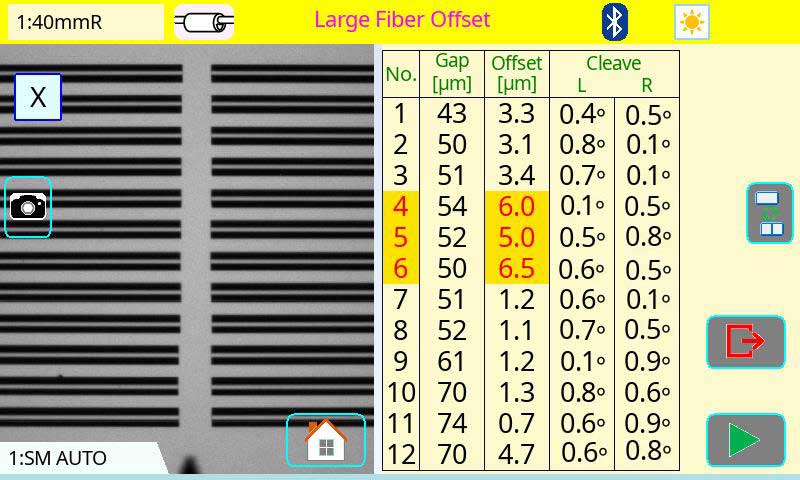
Cause of Large Fiber Offset
2. For different fiber spacing
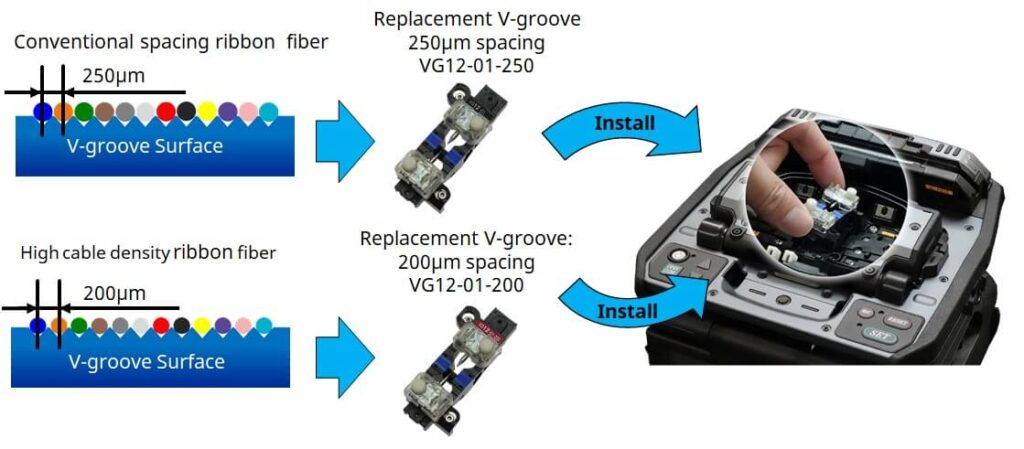
In recent years, with increasing cable densities, 200µm coated / 200µm spacing fibers is increasing. The 90R uses a V-groove replacement method, which allows customers to install and remove the V-groove which 200µm spacing V-groove [VG12-01-200] and 250µm spacing V-groove [VG12-01-250].
Timing or Frequency to replace the V-groove
Recommended frequency to replace: In case of below symptom
For maintenance Error occurs even after cleaning the V-groove.
2. For different fiber splicing Splicing the fiber different with installed in splicer.
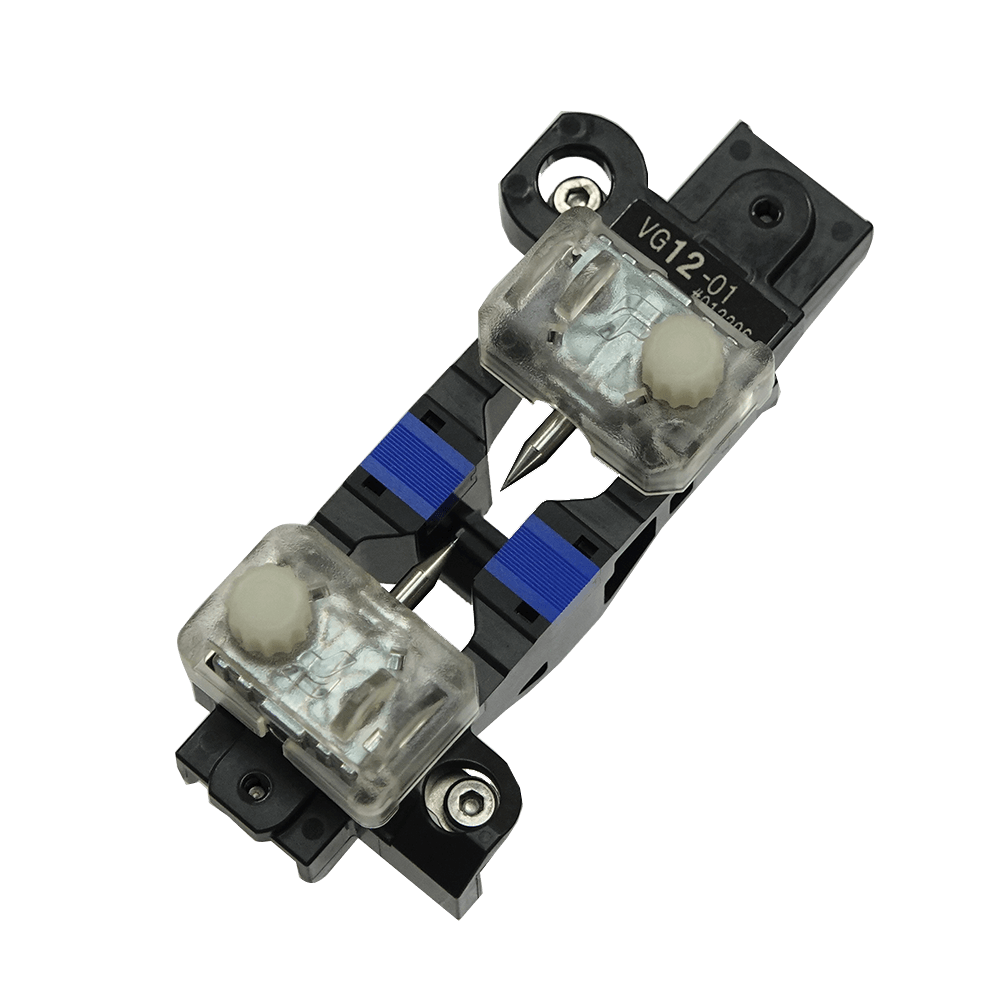
Replacement V-groove 250µm spacing [VG12-01-250]
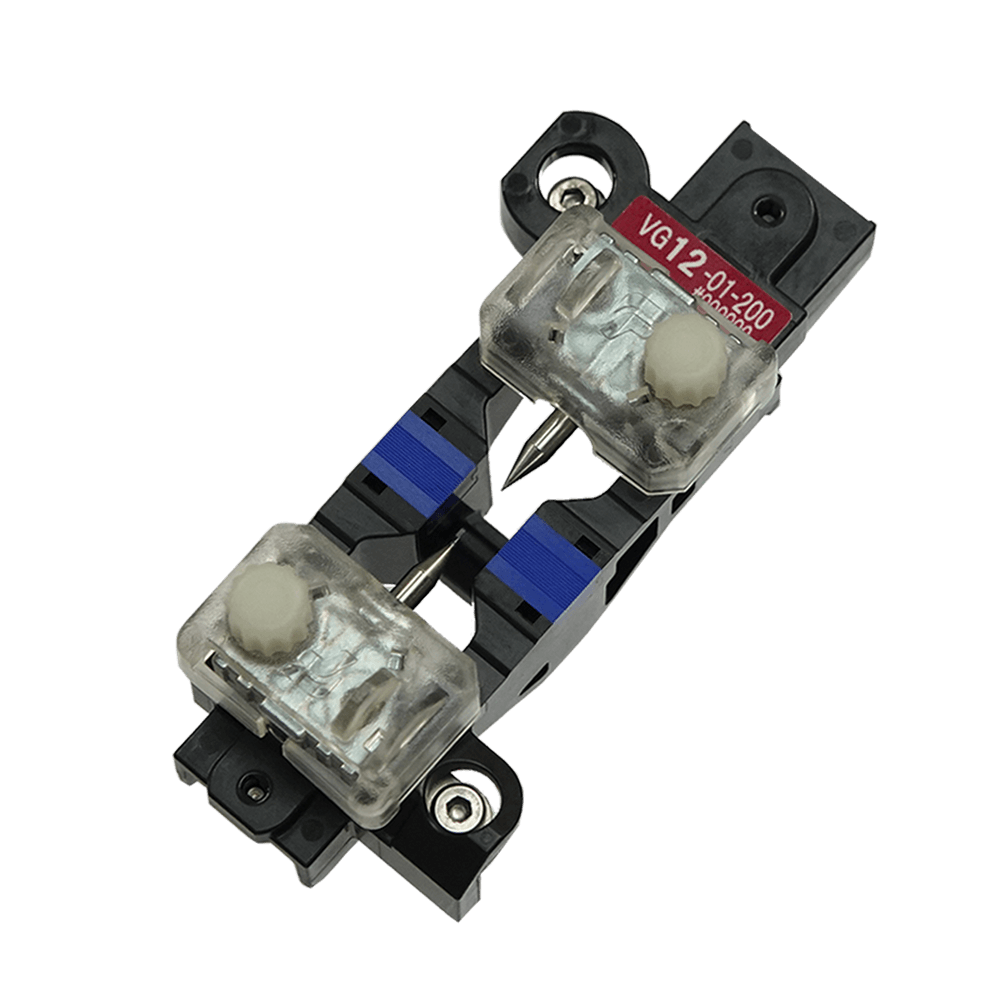
Replacement V-groove 200µm spacing [VG12-01-200]
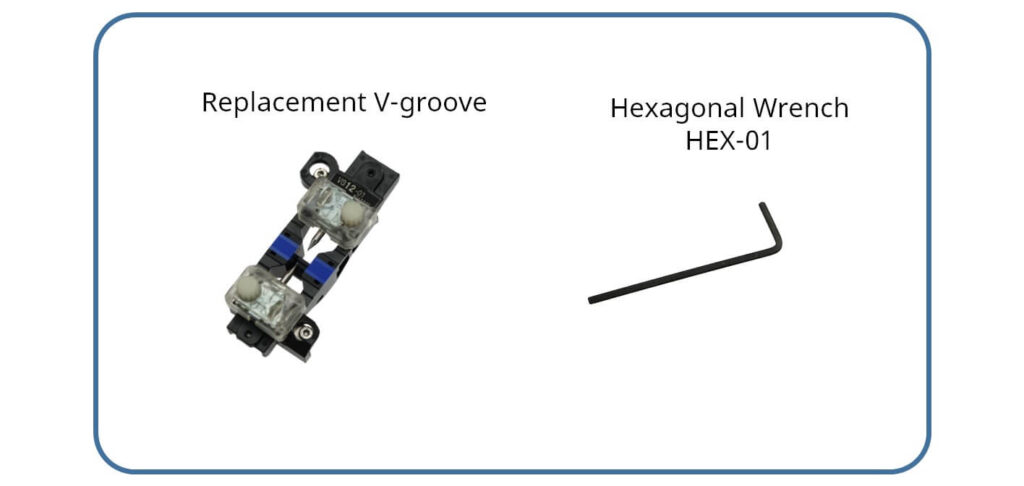
Necessary Item
Procedure
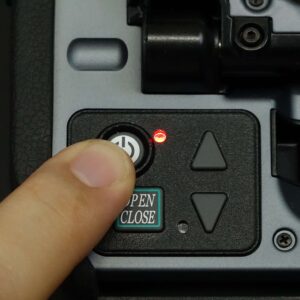
1.Turn off the splicer power.
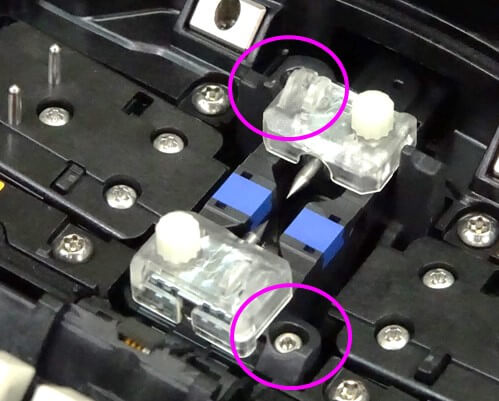
2. Remove the current V-groove
Remove two screws
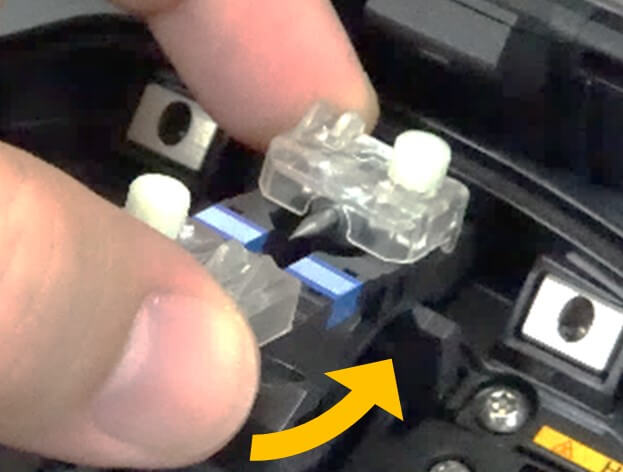
Pull the V-groove insert straight up
Rock the V-groove towards you
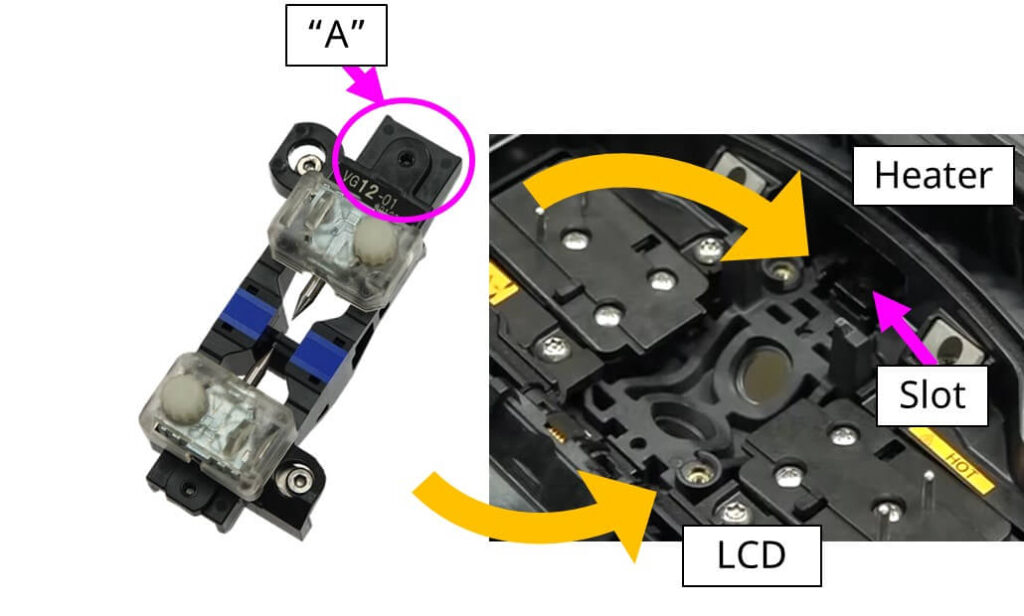
3. Confirm the orientation, side “A” is inserted in the slot
Confirm the orientation, side “A” is inserted in the slot
4. Install the new V-groove
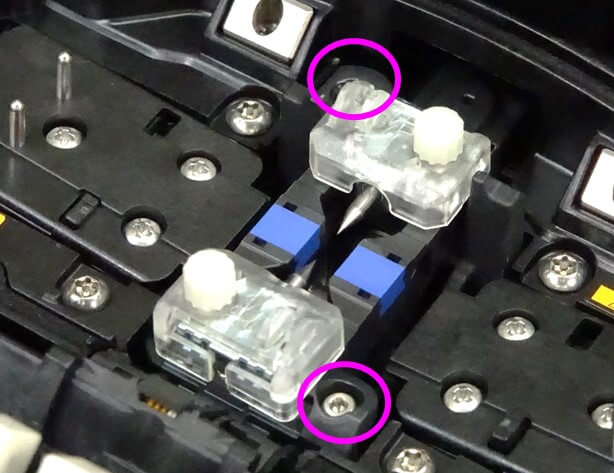
Install V-grooves in fusion splicer
Lower V-grooves straight down
Tighten the screws to secure. Proper torque 20 cNm
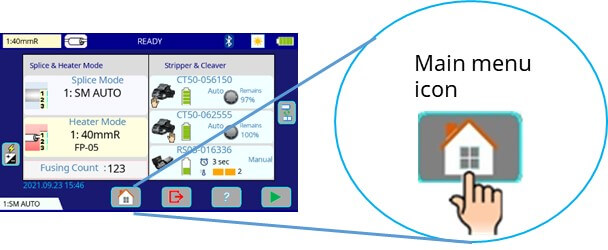
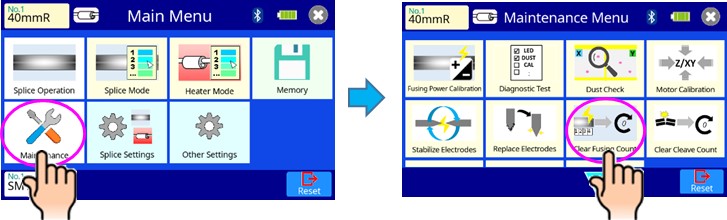
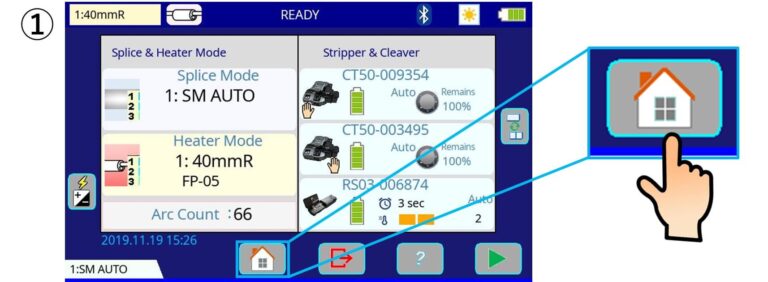
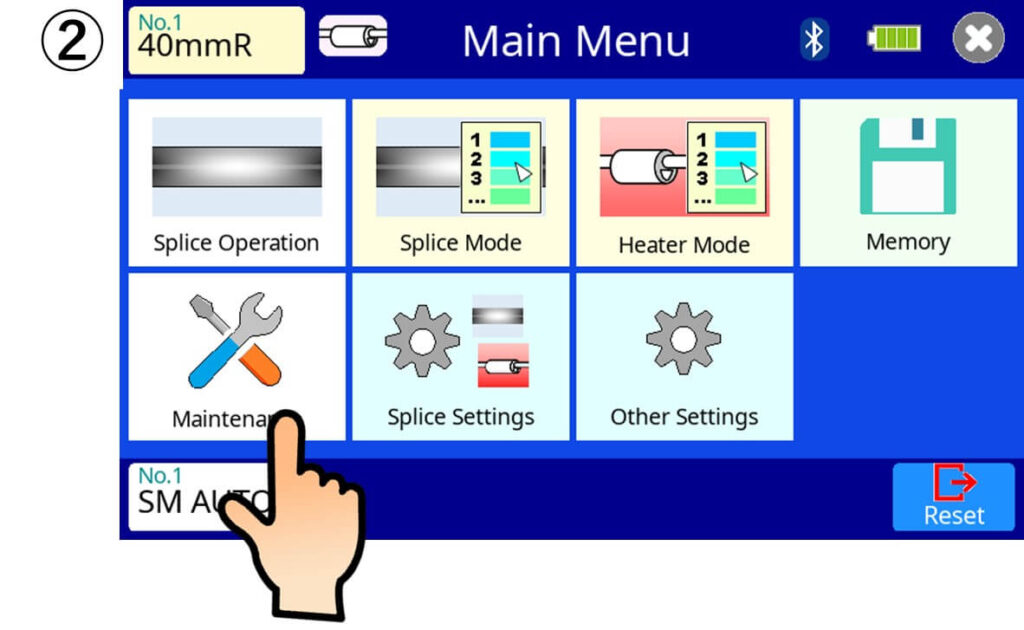
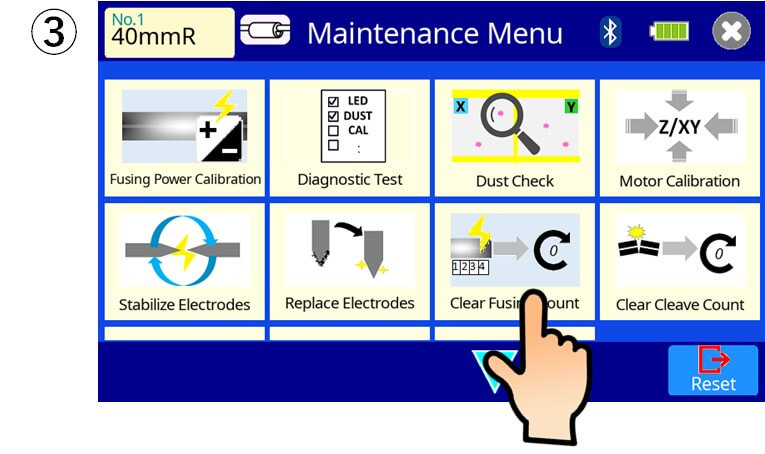
5. After install the V-groove Select [Clear Fusing Count] in “Maintenance Menu” and Clear the number. ” Splicer remain the Fusing count per every V-groove. When you replace different spacing V-groove, you don’t have to Clear the fusing count “
5. After install the V-groove Select [Clear Fusing Count] in “Maintenance Menu” and Clear the number. ” Splicer remain the Fusing count per every V-groove. When you replace different spacing V-groove, you don’t have to Clear the fusing count “
When you replace to: Same spacing V-groove: Necessary to Clear Fusing Count Different spacing V-groove: Not necessary to Clear Fusing Count